PeekMD Background
🎉NEWOpen source on GitHub

PeekMD

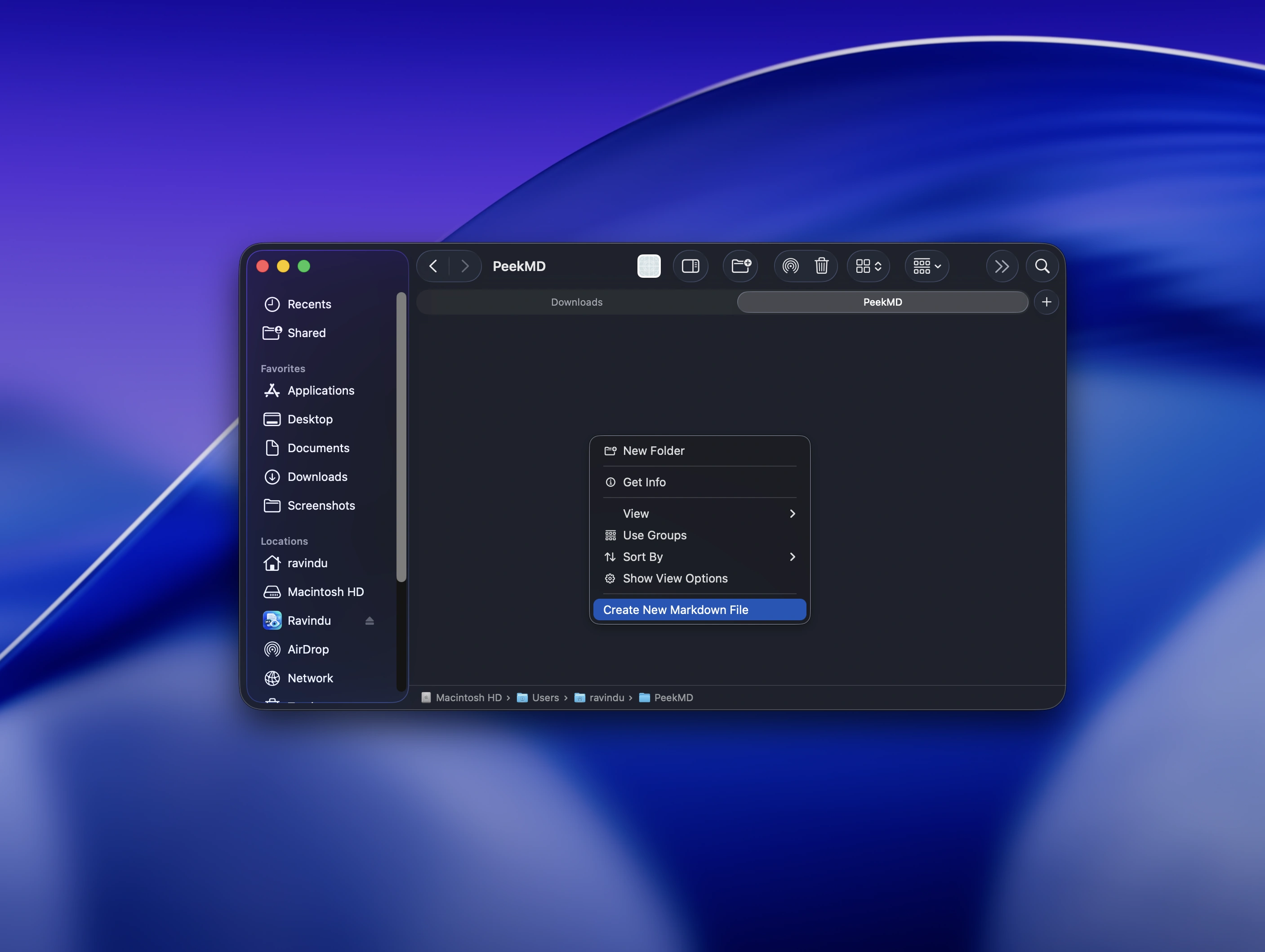
Markdown where it belongs — right in Finder.

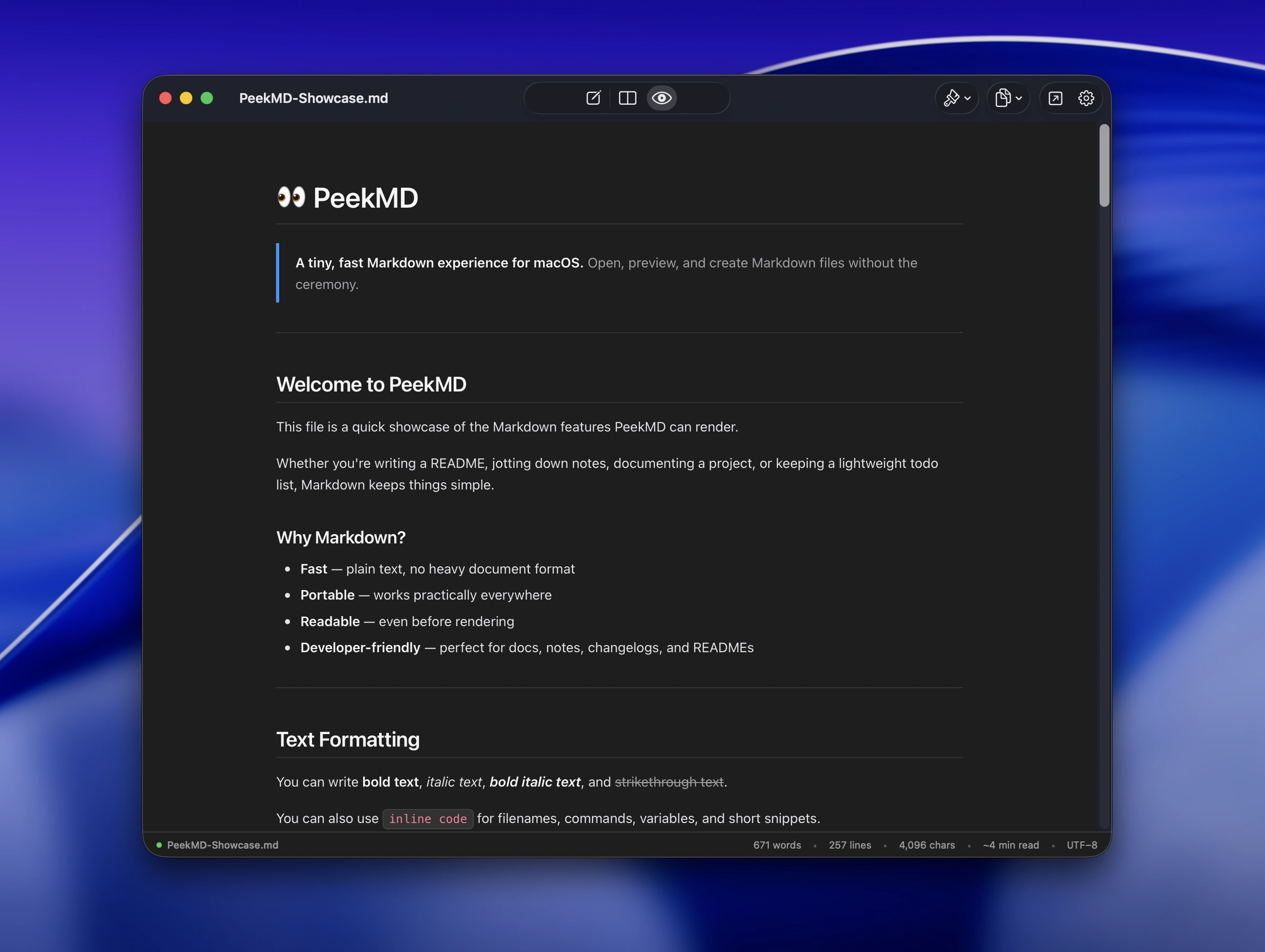
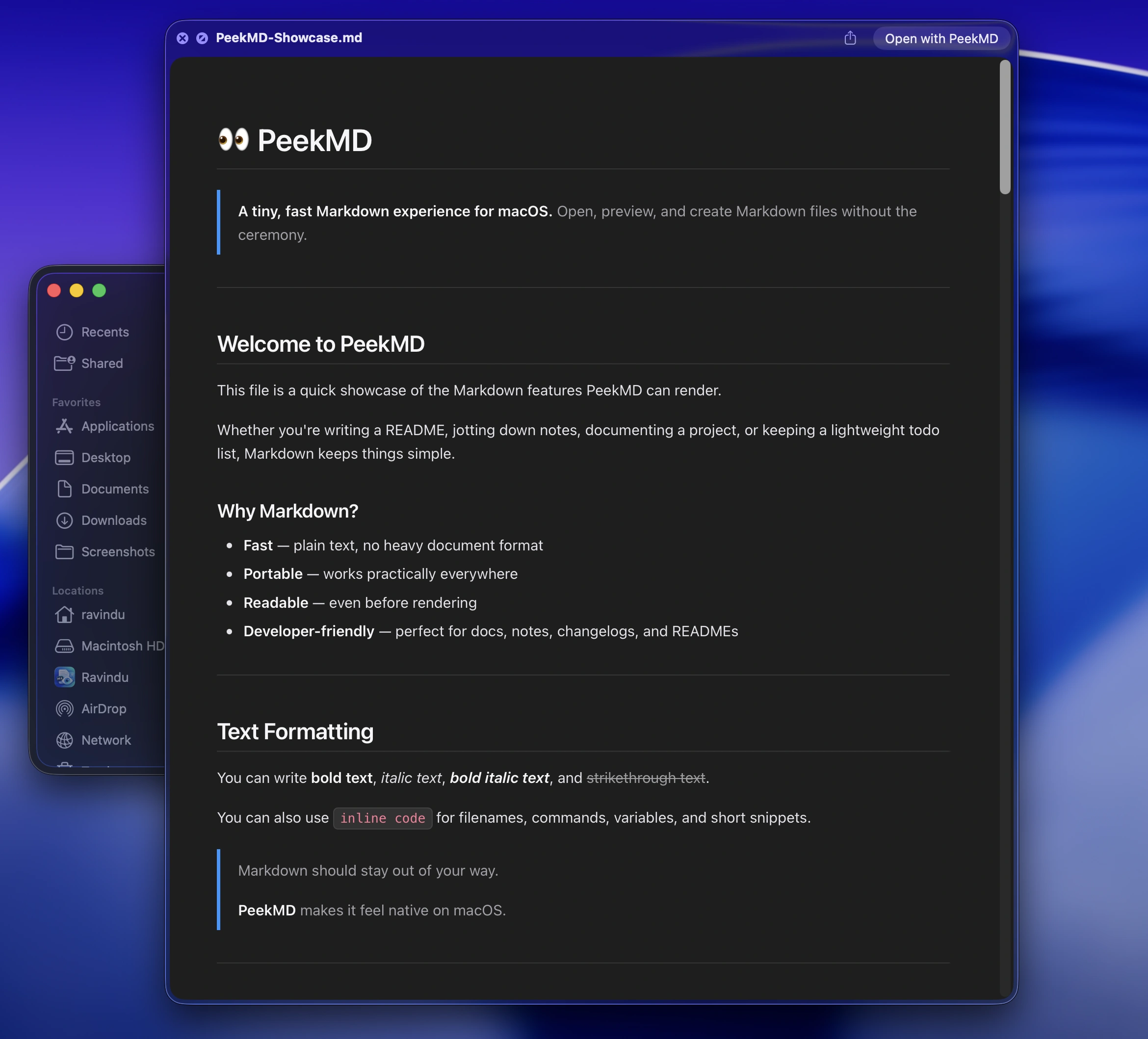
Create Markdown files from Finder, preview them with Spacebar, and read them beautifully without a vault, workspace, or heavyweight editor.

Welcome.md

Favorites

AirDrop
Recents
Applications
Desktop
Documents
Downloads

iCloud

iCloud Drive
Shared

Locations

Macintosh HD

#Welcome to PeekMD

Markdown where it belongs — right in Finder.

Create files in any folder
👁️Preview with Spacebar
Clean, focused reading
❤️No vaults. No workspaces. Just Markdown.
Space

Try it out now. it's free! (Still in beta tho)

Experience native Markdown integration designed specifically for macOS.
PeekMD macOS Settings & Extensions Configuration

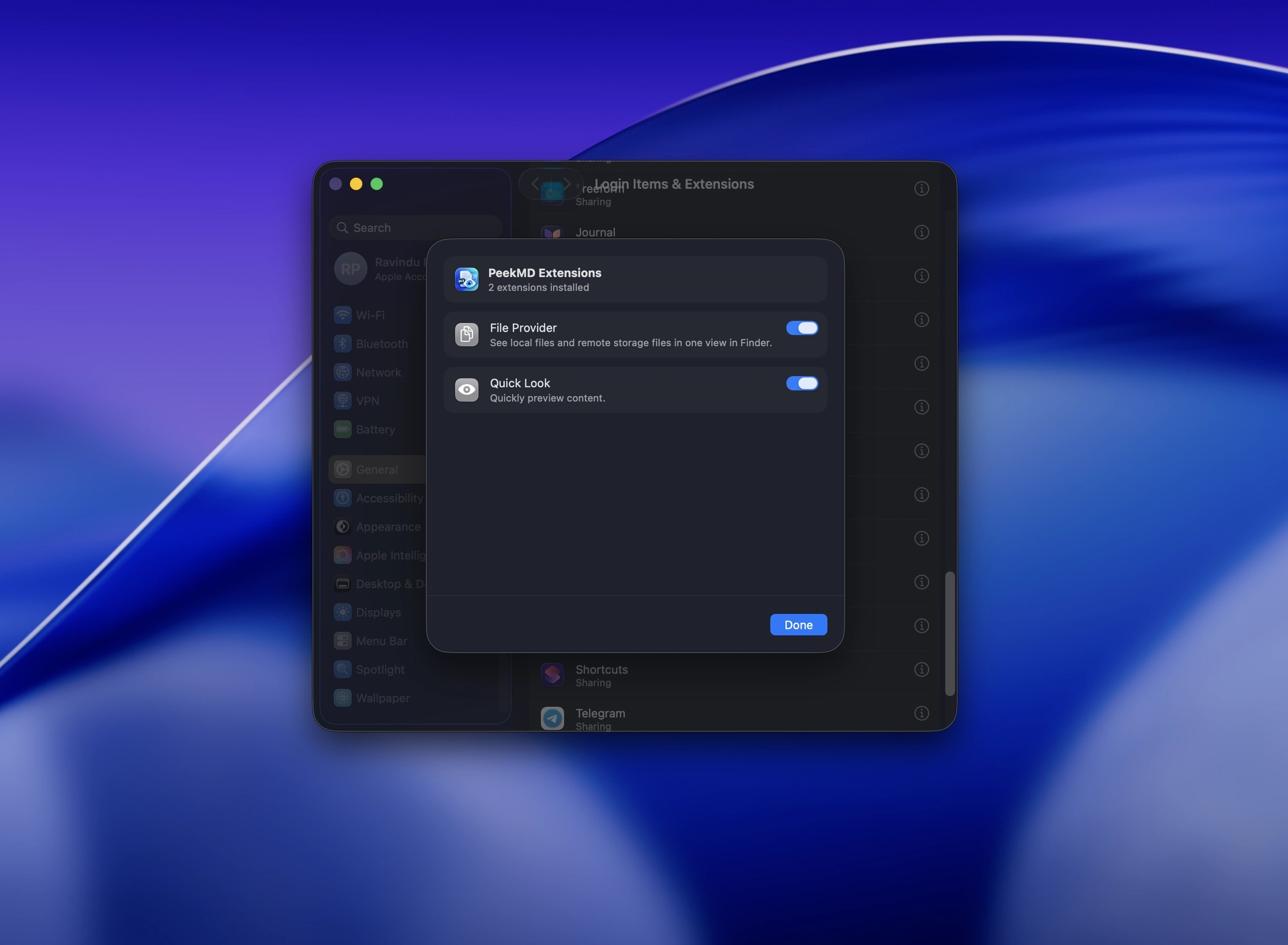
Seamless macOS Extensions

Enable File Provider and Quick Look extensions with a single toggle in macOS Settings.

Three simple steps

Get PeekMD set up and previewing Markdown files in seconds.

View installation guide
1

Download the app

Grab PeekMD.dmg and drag PeekMD to your Applications folder.

PeekMD
#MD
PeekMD.app
Applications
2

Enable Extensions

Open Settings and enable both extensions to see Markdown previews in Finder.

Extensions
PeekMD Finder Extension
Show Markdown previews in Finder
PeekMD Quick Look Extension
Preview Markdown files
3

Start previewing

Select any .md file in Finder and press Spacebar to preview instantly.

README.md
README.md
notes.md
config.json
#Hello PeekMD
Spacebar Preview
FAQ

Frequently Asked Questions

Is PeekMD free?

Yes! PeekMD is 100% free, open source, and made with ❤️ by Ravindu.

Does it collect data?

Nope. PeekMD works entirely offline on your Mac and never collects or sends any telemetry.

Where can I get help?

Join the community on GitHub Discussions or open an issue — we're happy to help!

PeekMD Mascot
Love PeekMD?

Star us on GitHub to support the project and help others discover it ⭐

Star on GitHub